I’ve spent the better part of a decade waking up in places I couldn’t pronounce, fueled by gas station coffee and the sheer adrenaline of the unknown. If there’s one thing the road has taught me, it’s that "winging it" is a great way to end up sleeping in a Walmart parking lot next to a noisy dumpster. In 2026, the open road is busier and more complex than ever, but it’s also more rewarding for those who know how to navigate it.
Planning a stress-free road trip isn't about over-scheduling every minute; it’s about building a framework that allows for spontaneity without the side of anxiety. It’s the difference between a frantic dash to find a hotel at 2 AM and watching the sunset over a canyon with a cold drink in your hand because you already knew where you were laying your head.
Phase 1: Mapping the Route Like a Pro
The biggest mistake I see rookies make? They rely solely on the "Directions" button on their phone five minutes before they pull out of the driveway. Expert planning happens in layers. I always start with Google My Maps on a desktop. This allows you to drop custom waypoints for everything: gas stops, photo ops, and those weird roadside attractions you’d otherwise miss. Once the "dream route" is set, I use Waze or TollGuru for the actual driving. Waze is my tactical tool for dodging speed traps and construction, while TollGuru prevents "sticker shock" from bridge and highway fees that can eat a hole in your budget.
The Golden Rule of Arrival
Here is the secret sauce that separates the veterans from the amateurs: The 20% Buffer Rule. If Google Maps tells you a drive will take six hours, it will actually take seven hours and fifteen minutes. Travel experts suggest adding a 20% buffer to any GPS-estimated arrival time. This accounts for the inevitable fuel stops, the "I have to see what's in that shop" moments, and the unavoidable "hangry" episodes. By building in this time, you ensure you aren’t racing the sun, which is the number one cause of road trip fatigue and stress.
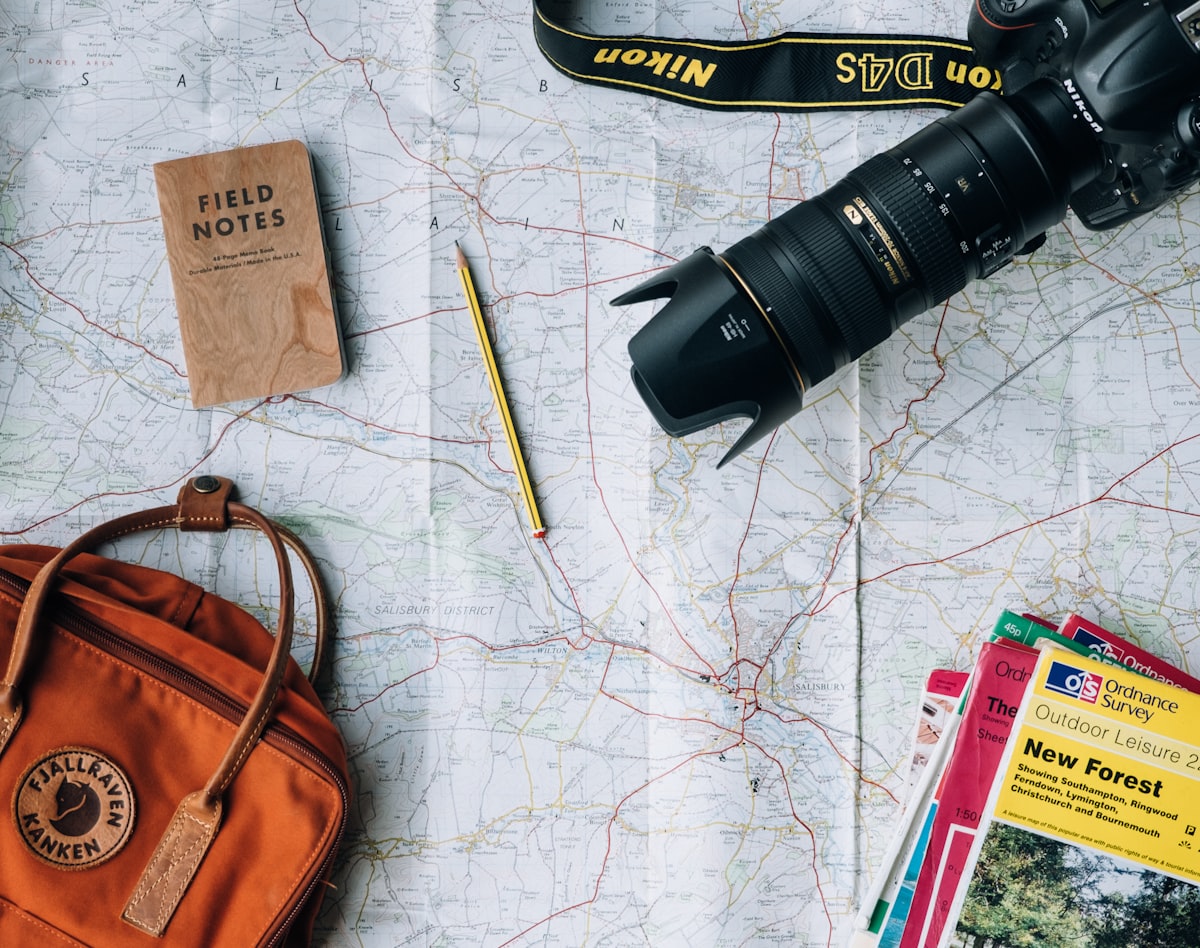
Build Your Route on Google My Maps →
Phase 2: Vehicle Readiness & Tech Setup
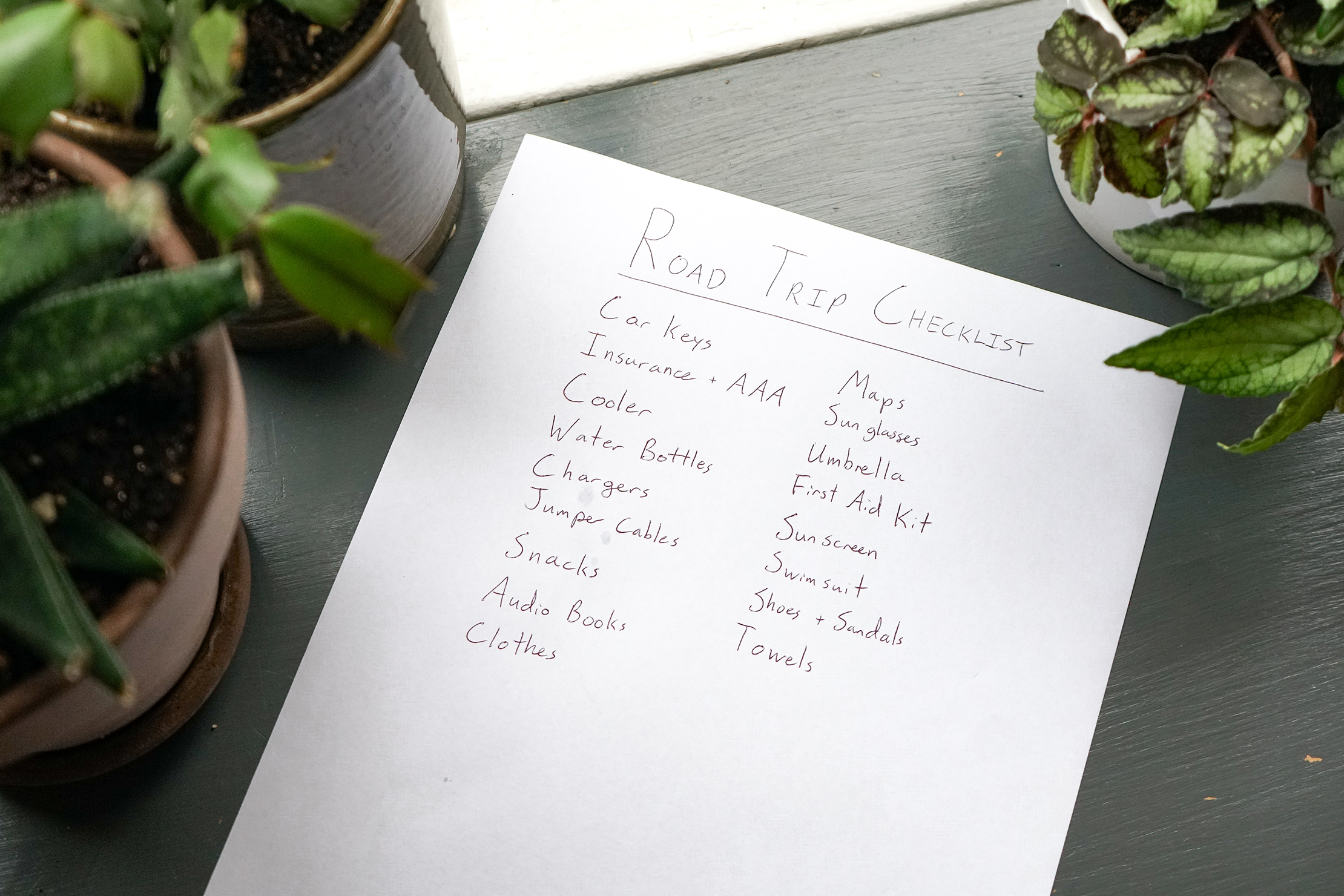
Your vehicle is your life-support system. I’ve seen $10,000 expeditions ruined by a $50 radiator hose. Before you even think about packing your bags, you need to conduct a "Vitals Check."
- The Fluids: Check oil, coolant, brake fluid, and windshield washer fluid (don't underestimate the bug-splatter of the Midwest).
- The Shoes: Check tire pressure—including the spare. If you haven't looked at your spare tire in three years, it’s probably flat.
- The Tools: Ensure you have a working jack and a lug wrench. Better yet, carry a portable lithium-ion jump starter.
Navigation Safety and Specialized Routing
Data shows that the most stressful moments on a road trip happen when the "bars" disappear. To ensure a smooth journey, always download offline maps for your entire route. Whether you're in the deep canyons of Utah or the remote forests of Maine, your GPS needs to work without a cell signal.
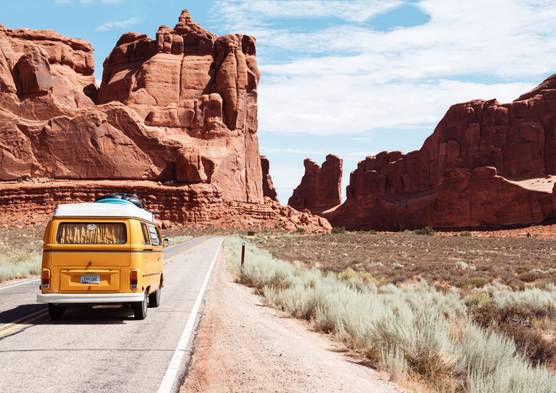
For those of you heading out in something larger than a Tacoma—I’m looking at you, van-lifers and RVers—standard navigation is your enemy. Data shows that travelers who use specialized apps like RV LIFE reduce their risk of encountering height-restricted obstacles, like low-hanging bridges, by over 90% compared to standard navigation. Nothing kills the vibe faster than shearing the roof off your rig.
Phase 3: Curating the Experience (Getting Off the Interstate)
The Interstate system is a miracle of engineering, but it is a desert of culture. If you want a stress-free trip that actually feels like an adventure, you have to get off the slab.
I use the National Byways mapping tools to find "Scenic Byways"—these are federally designated roads that are guaranteed to be more interesting than a six-lane highway. For the weird stuff, Atlas Obscura is my go-to. It’s how I found a museum dedicated to ventriloquist dummies in Kentucky and a "carhenge" in Nebraska.
To find authentic local flavor, skip the golden arches. I use HappyCow for solid plant-based options and Roadfood for regional specialties like green chile cheeseburgers or authentic lobster rolls. My favorite trick? Walk into a local independent coffee shop and ask the barista: "If you had one afternoon left in this town, where would you go for a view?" They never steer you wrong.
Road Trip Essentials Gear Table
| Category | Item | Why You Need It |
|---|---|---|
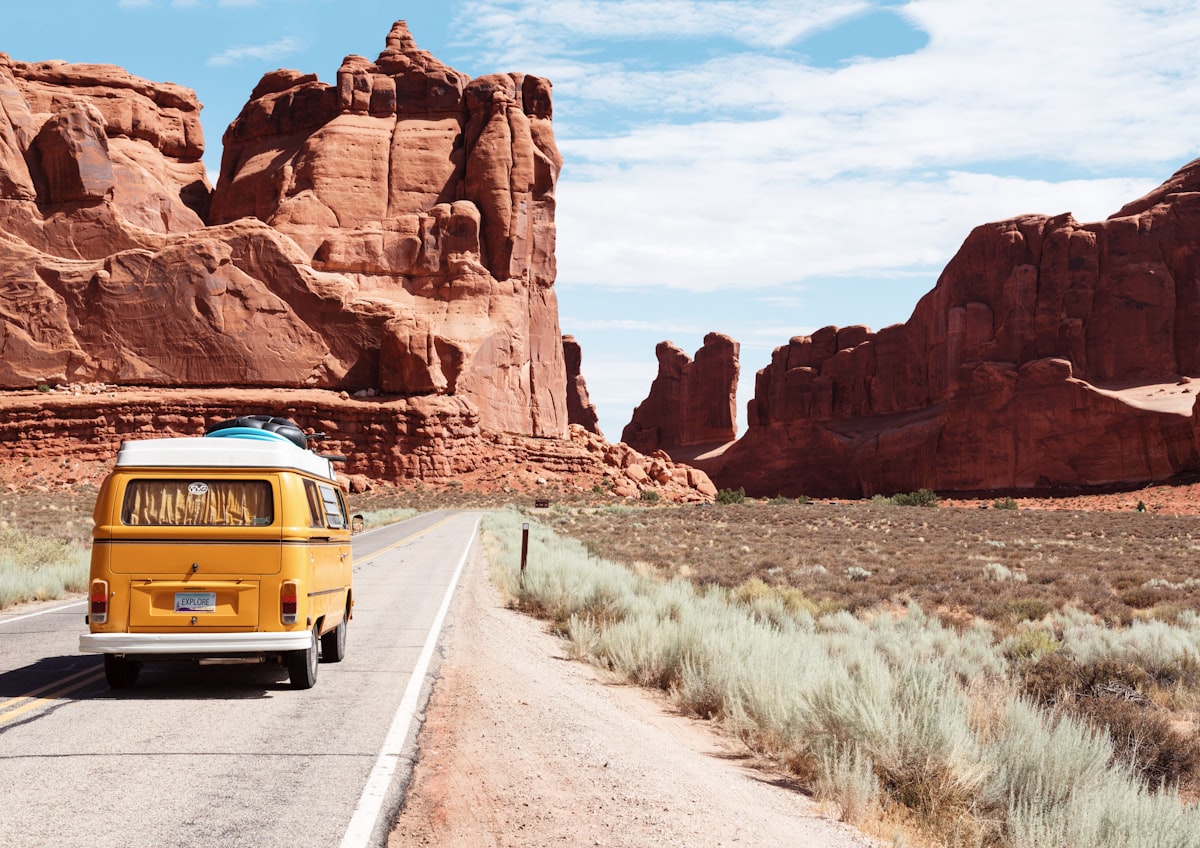
| Power | Anker Portable Power Bank | Keeps phones/tablets alive during long hikes or outages. |
| Safety | First Aid Kit (HSA approved) | Because a blister or a small cut shouldn't end the day. |
| Hydration | 5-Gallon Water Jug | Essential for remote western routes where water is scarce. |
| Utility | Leatherman Multi-tool | For everything from opening cans to tightening loose screws. |
| Comfort | Wool Blanket | Keeps you warm if the car breaks down or for an impromptu picnic. |
Phase 4: Stress-Free Financial & Tech Hacks
Money stress is the quiet killer of road trips. In 2026, the world is increasingly digital, but the road is still often analog.
- The ATM Hack: If you’re traveling internationally or in rural areas where cash is king, never withdraw an "even" amount. If you ask for 1,000 pesos, you get a large bill that no street taco vendor can change. Ask for 990. You’ll get a mix of smaller bills that make life infinitely easier.
- Budget Management: Use Numbeo to compare local prices before you arrive. It prevents "tourist tax" shock. Also, I buy Costco gift cards for Uber/Lyft or gas before I leave; it’s an easy 10% savings upfront.
- The Screenshot Method: Digital paperwork is great until your phone can’t load a 5MB PDF of your rental agreement in a dead zone. Use the "screenshot method"—take photos of your visas, insurance, and reservations. If the file is "too large" for an upload site, just screenshot the document and upload the JPEG. It works every time.
Phase 5: Safety and Inclusivity on the Open Road
Adventure is for everyone, but the reality is that different people face different risks on the road. A stress-free trip requires a safety net.
For personal safety, I always implement locator devices (like an AirTag in my bag) and share my live itinerary with two trusted contacts. I also use the Watch Duty app. In the era of extreme weather, real-time wildfire and flood updates aren't just a "nice to have"—they are life-saving.
For BIPOC and LGBTQ+ travelers, safety planning involves extra layers. I recommend utilizing the Human Rights Campaign’s State Maps to understand the legal landscape of the states you’re crossing. For trans and non-binary travelers, the Refuge Restrooms app is an invaluable resource for finding safe, gender-neutral facilities in unfamiliar territory.
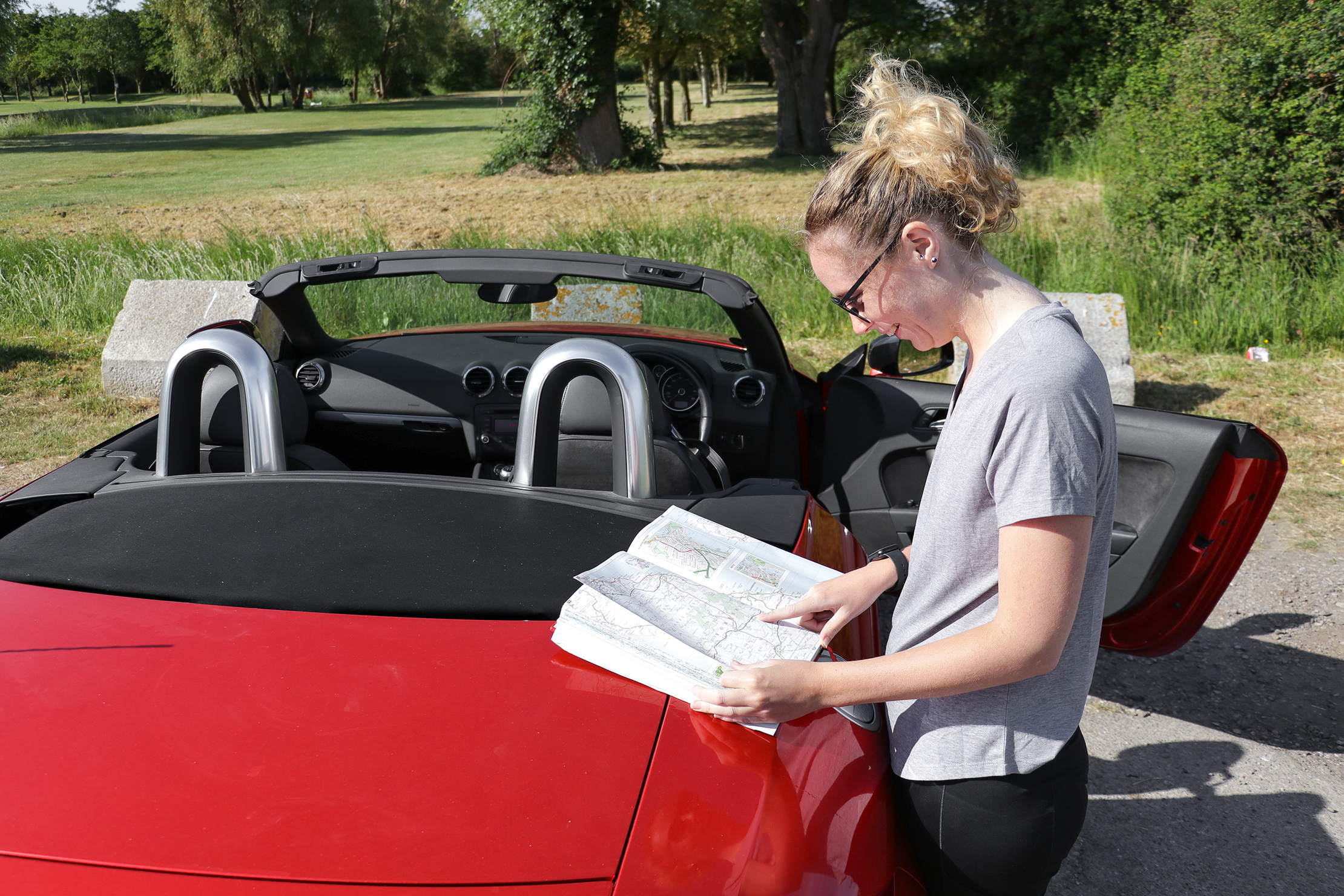
Marcus's Pro Tip: Never let your gas tank drop below a quarter. In the West, "Next Service 80 Miles" is a promise, not a suggestion.
Phase 6: Accommodations and the 'Last Sweep' Habit
In 2026, I lean into "hybrid booking." I book my "anchor nights" (the big destinations) months in advance, but I leave the middle of the trip open. Apps like HotelTonight are perfect for finding high-quality last-minute stays when you realize you’re too tired to drive another two hours. If you just need a place to shower and nap during a long haul, Dayuse allows you to book hotel rooms for a few hours during the day at a fraction of the nightly rate.
The Hotel Checkout Hack Before you hand back the keys, do the "Camera Sweep." Open your phone's camera, turn on the flash, and look under the bed, on the high shelves of the closet, and in the back of bathroom cabinets. The flash will catch the glint of a charger, a watch, or a passport that your naked eye might miss in the morning haze.
FAQ
How do I avoid traffic without staring at my phone all day? Set your destination in Waze before you start the car. Waze’s "Planned Drives" feature can alert you when you need to leave based on real-time traffic data, allowing you to stay present in the moment rather than checking for delays every ten minutes.
What is the best way to manage food costs on a long trip? Invest in a high-quality 12V electric cooler. It plugs into your car’s accessory port and keeps groceries fresh without the hassle of melting ice. Making just one meal a day from your "car pantry" can save a couple over $500 on a week-long trip.
What should I do if I lose cell service while navigating? If you’ve followed the expert advice above, nothing! Your offline maps (Google or Maps.me) will continue to track your GPS coordinates via satellite even without a data connection. Just ensure your phone stays charged.
Hit the Road
The road is calling, and now you have the blueprint to answer it without the headache. Remember: the goal isn't to reach the end of the map; it's to enjoy every mile in between. Pack your bags, check your tires, and leave room for the unexpected. I'll see you out there.